Room Rate Comp Redeemed
The Room Rate Comp Redeemed report allows users to view all reservations that have redeemed a comp certificate for a selected date.
Perform the following steps to generate the report:
Navigate to Reports ➜ All Reports ➜ Room Rate Comp Redeemed (under Accounting).
Select the date from the Comp Redeemed For Date field.
The report can be generated only for a single day.
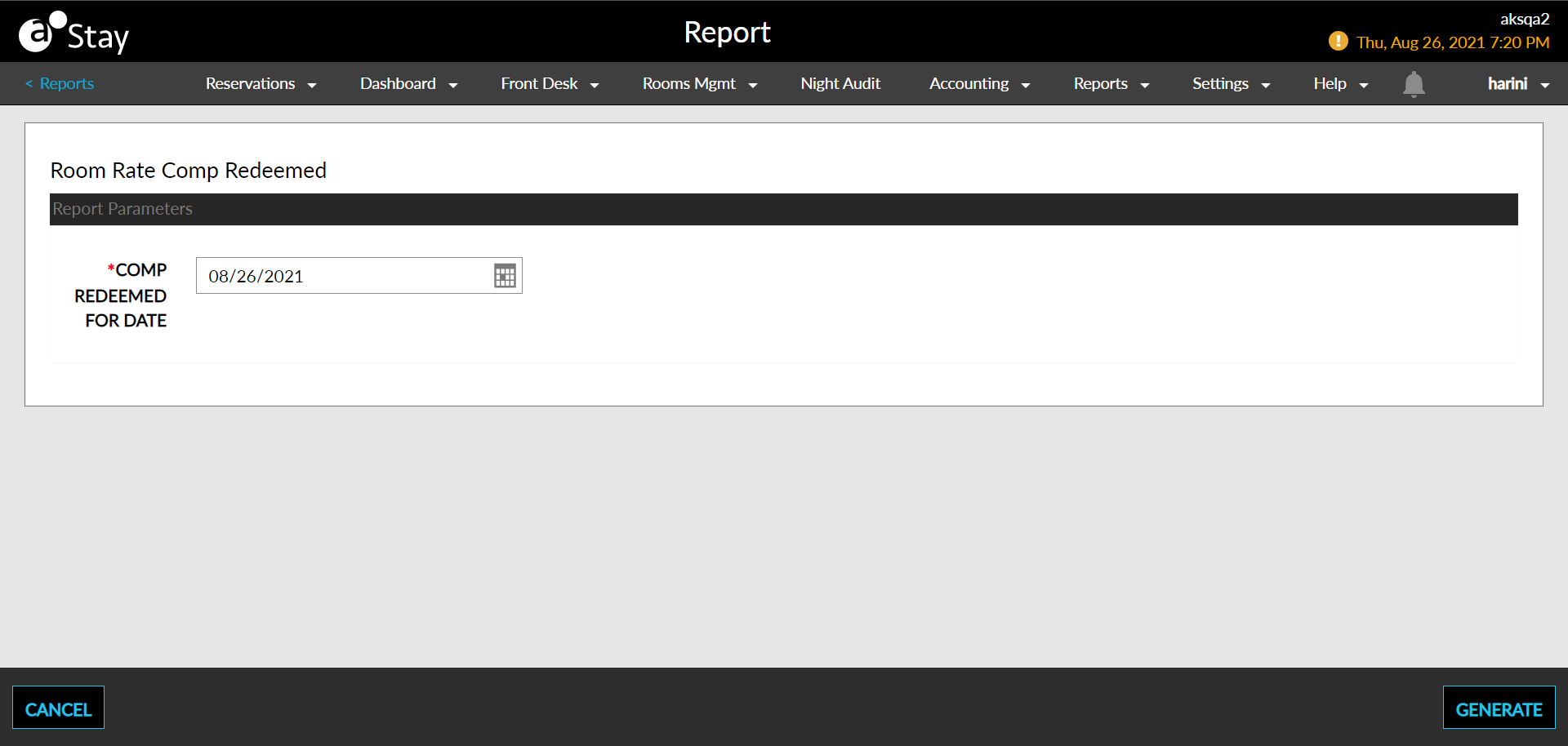
Click Generate. The report with the selected data appears.
Click Print to send a copy of the report to the printer.
Sample Reports
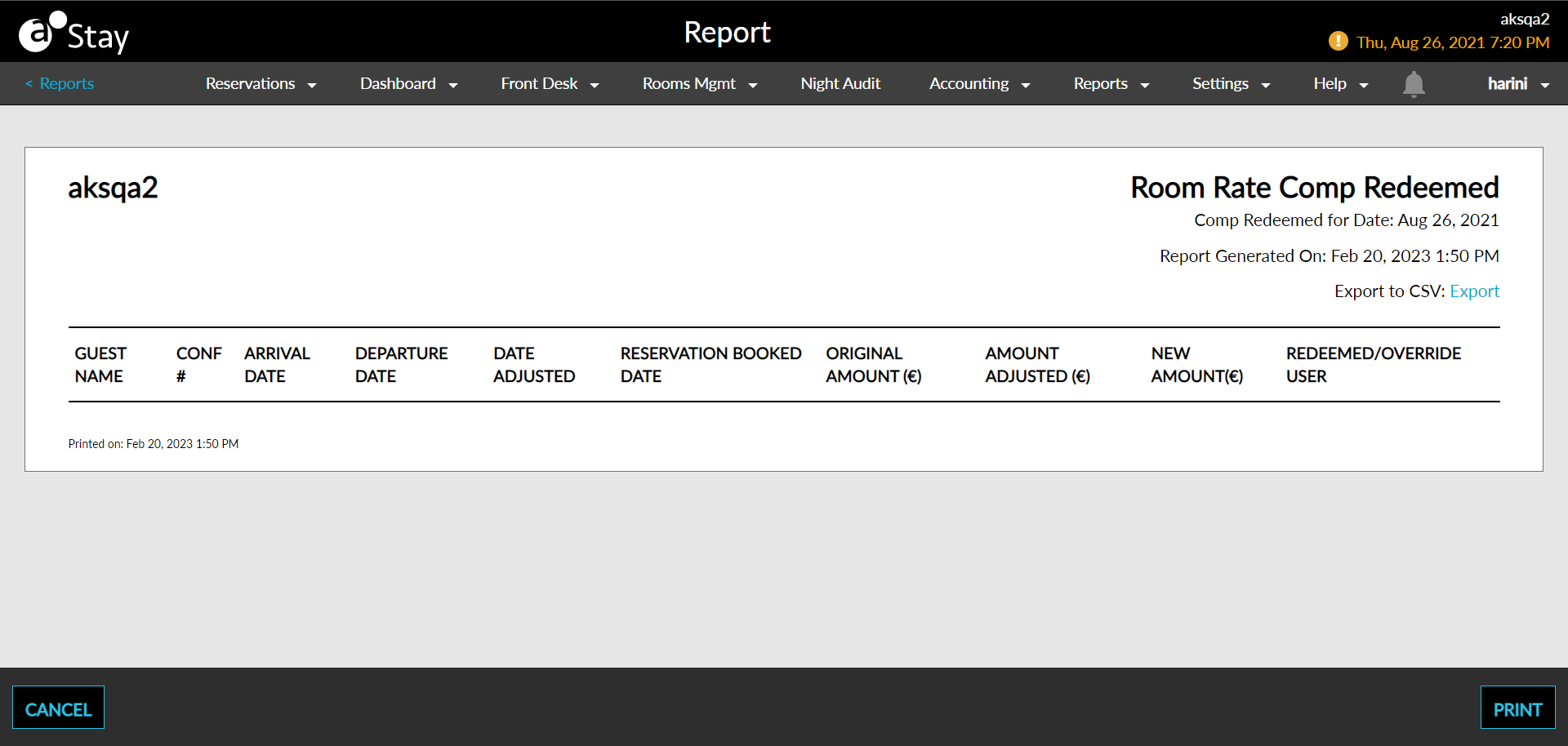
Report Parameters
This report displays the following parameters:
|
Field |
Description |
|---|---|
|
Guest Name |
The name of the main guest listed on each reservation. |
|
Confirmation # |
The confirmation number on the reservation. |
|
Arrival Date |
The arrival date of each reservation. |
|
Departure Date |
The departure date of each reservation. |
|
Date Adjusted |
The date the comp certificate was adjusted |
|
Reservation Booked Date |
The date the reservation was booked |
|
Original Amount |
The original amount of the comp certificate |
|
Amount Adjusted |
The amount that was adjusted from the comp certificate |
|
New Amount |
The new amount the comp certificate is valid for |
|
Redeemed/Override User |
The user who redeemed the comp |